Manual counting kept failing us on Thursdays. I built a scoreboard that tracks
serve, court, and match point - offline, no account.
Role & stack
Solo - research, design, buildReact Native, TypeScript, Expo
Timeline
Four months of eveningsShipped 2026
Shipped
v1.0.0, signed APKAndroid - installed, not listed
Tested by
Eight people who play weeklyFour months of their complaints
Why build it?
Every match started with someone swearing they would remember the score.
Nobody does. Halfway through a rally the count is already an argument - and the
scoreboards on the store either want a login or do not know that the serve changes side on an
odd point. So I built the one I wanted on court.
40/40Scoring tests pass
10Screens, 0 UI kits
1Person, end to end
APKSigned and installable
01of 06
The live scoreboard
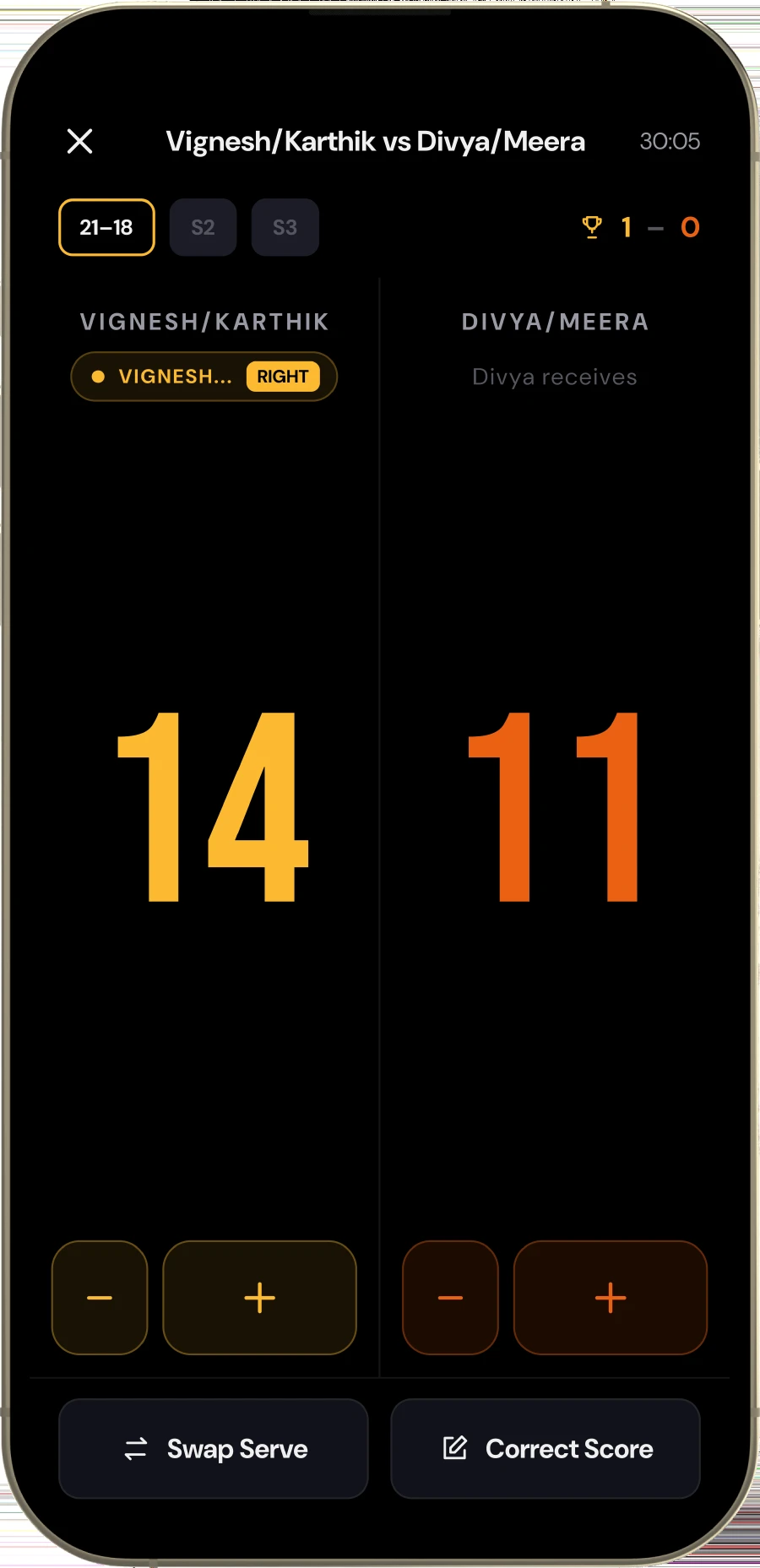
One tap per point. The card knows whose serve it is, which service court they are standing
in, and flips both the moment the rally ends. You never tell it anything it could work out
for itself.
One tap per point - the app works out the rest
02of 06
Nobody has to argue
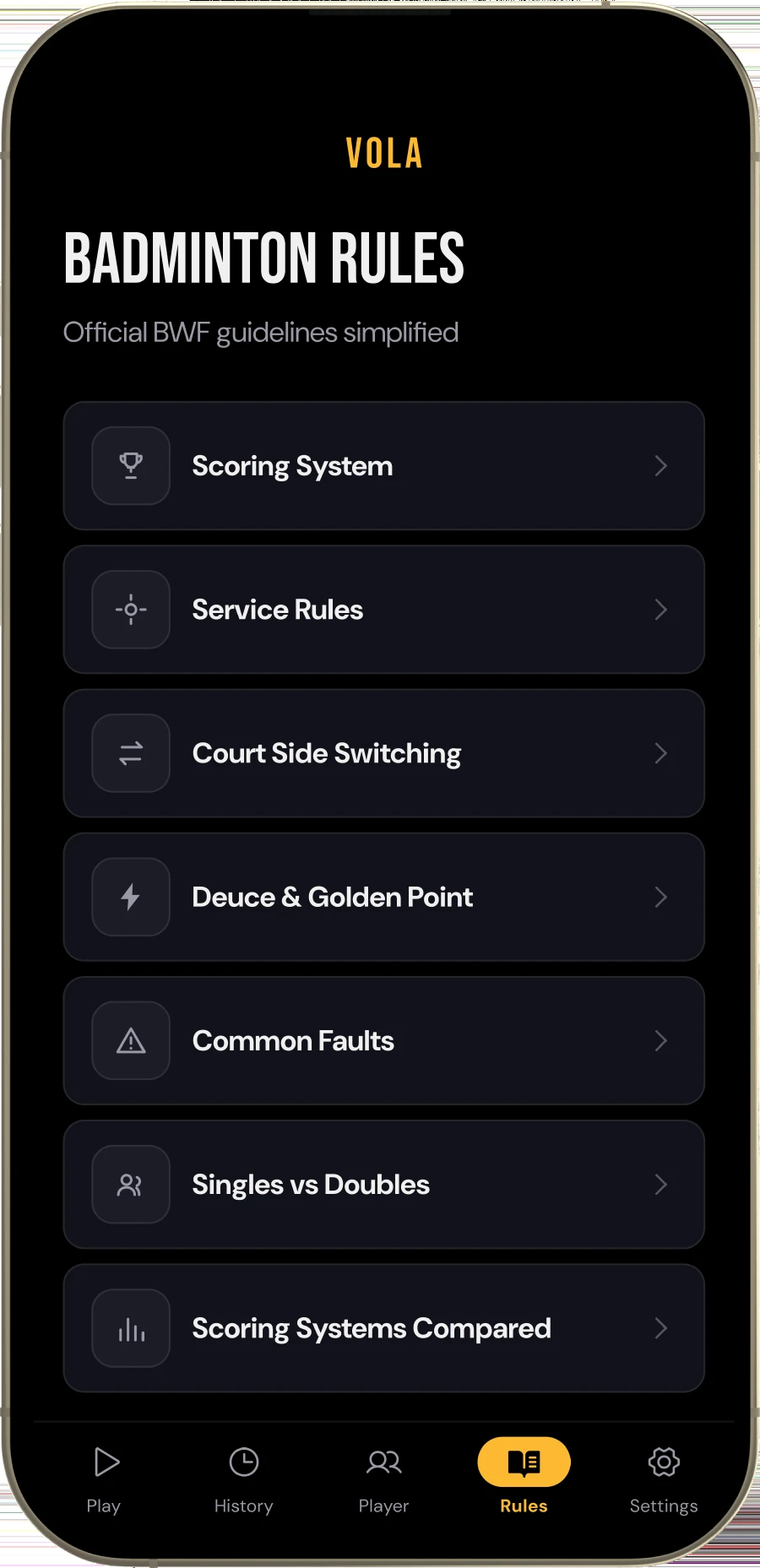
The BWF rules, simplified and built in: scoring, service, court side switching, deuce and
the golden point, the common faults. When a call is disputed mid-game you settle it in the
app instead of by whoever is loudest.
Seven sections - the rulebook, minus the arguing
03of 06
One tap to play, four to set up
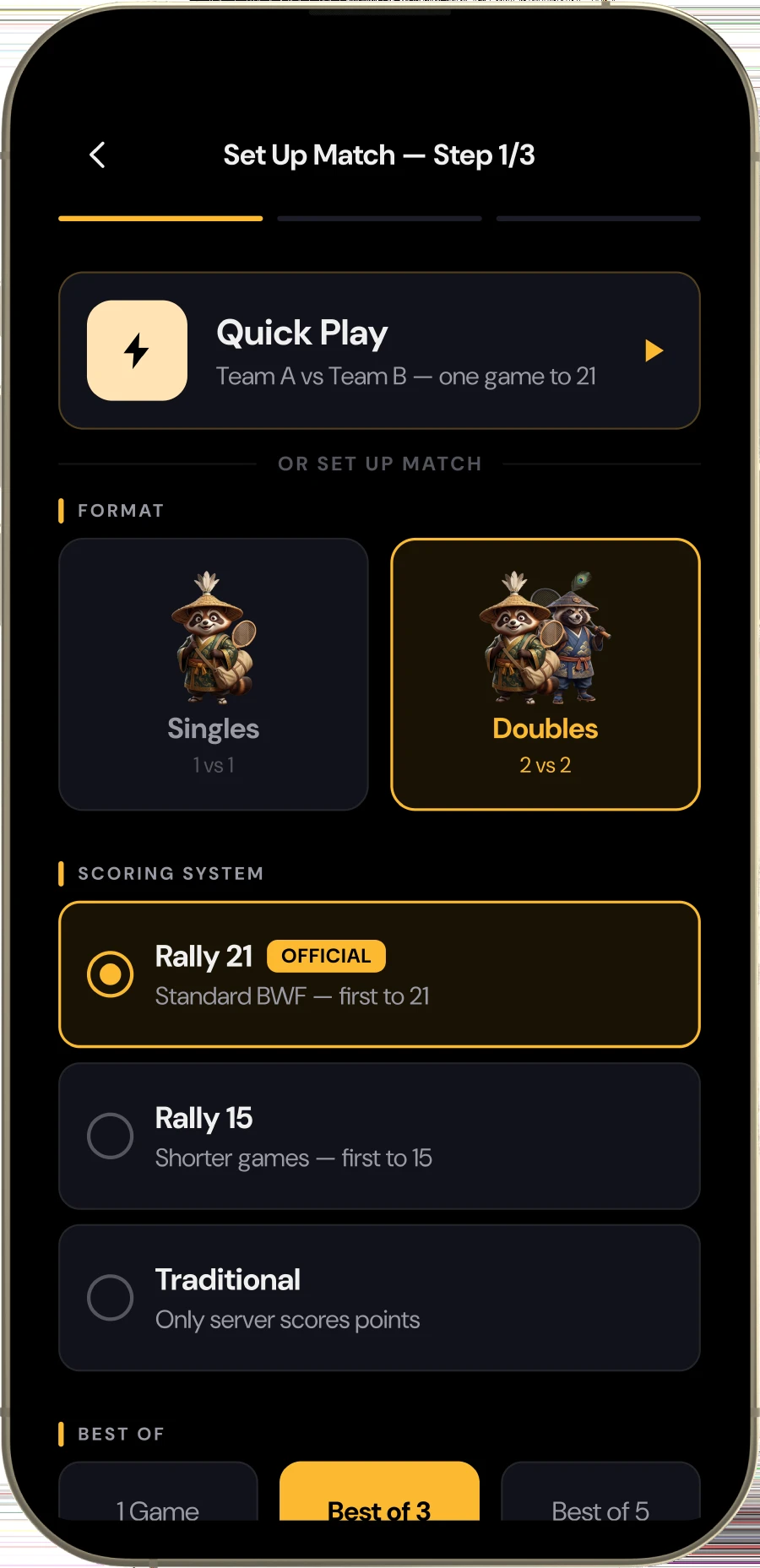
Quick Play starts the match straight away - Team A against Team B, one game to 21 - and
asks for the names once the match is done. For a proper match, the setup underneath takes
singles or doubles, the scoring system and best of how many. Every target is thumb-sized,
because this screen gets used standing up with a racquet in one hand.
Quick Play - start now, add the names when it is over
04of 06
History that survives the app closing
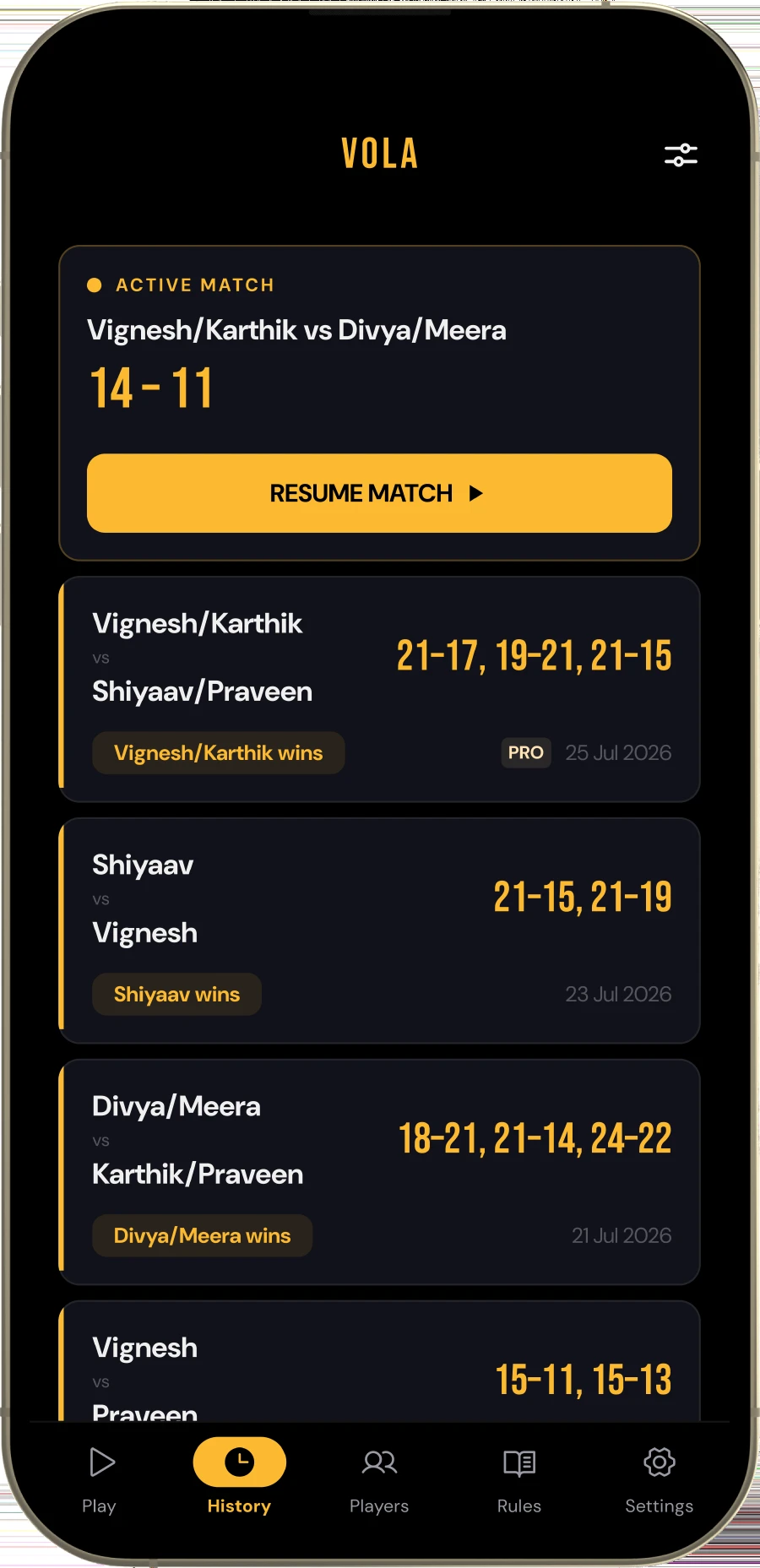
Every finished match is written to disk, not held in memory. Close the app mid-game and it
comes back exactly where you left it - which is the single thing that made people trust it
enough to stop keeping score on paper.
Written to disk - not held in memory
05of 06
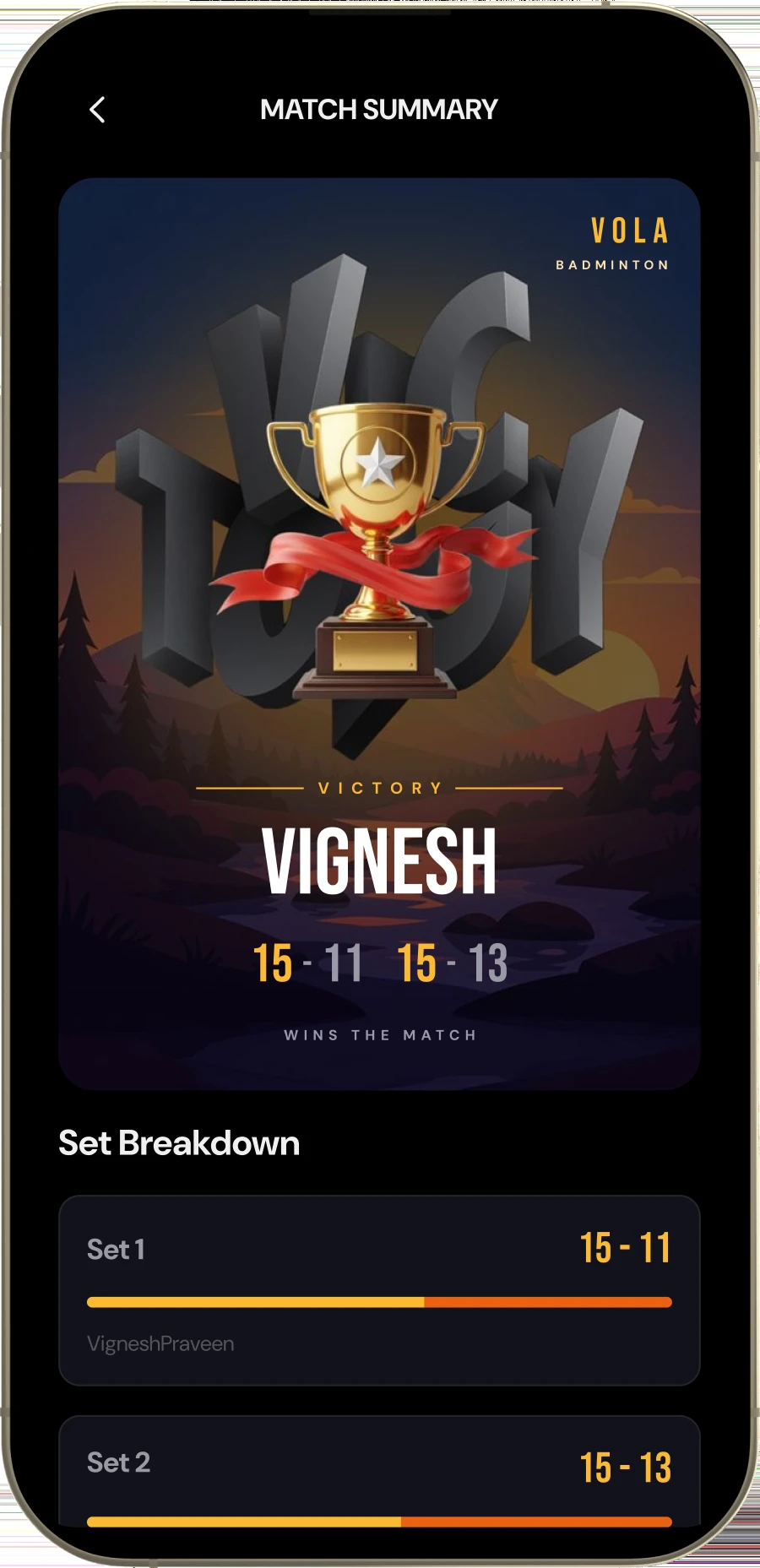
Something worth posting
A victory card naming the winner and the games, the set breakdown under it, and the numbers
that made it - duration, longest rally, match points saved. One tap sends the whole thing to
the group chat as an image, which is what people were going to do with a photo of the paper
anyway.
One tap to the group chat - as an image, not a link
06of 06
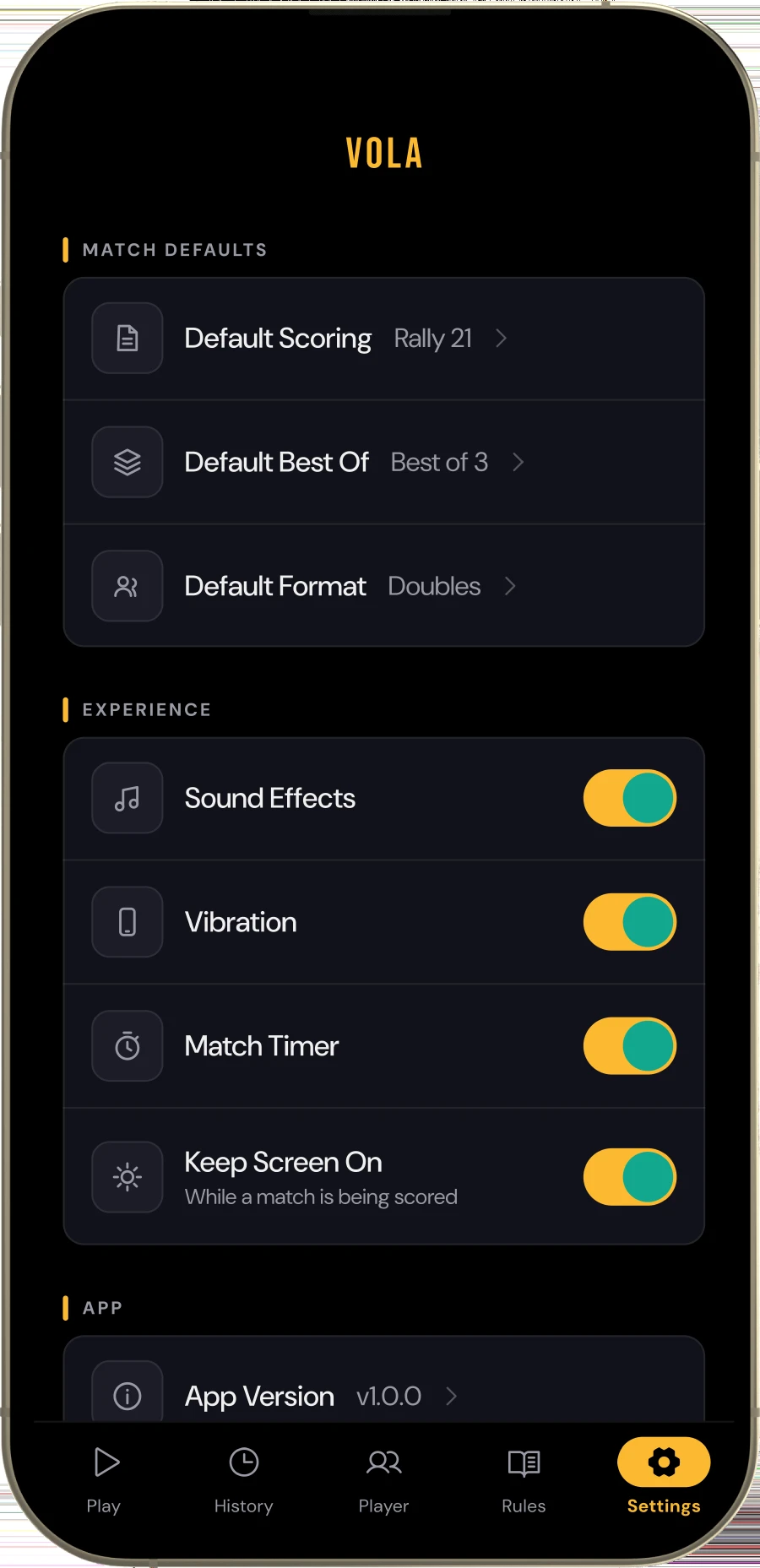
Settings that stay out of the way
Theme, haptics, and whether the screen is allowed to sleep between rallies. Three switches,
no account, nothing that needs the internet. The app works in a sports hall with no signal,
because that is where it gets used.
No account, no connection - it works where it is used
The rest of it
Everything else the app does.
Ten screens ship in v1.0.0. Six of them carry the match; these three carry
everything around it - getting in, looking back, and not typing the same four names every
Tuesday.
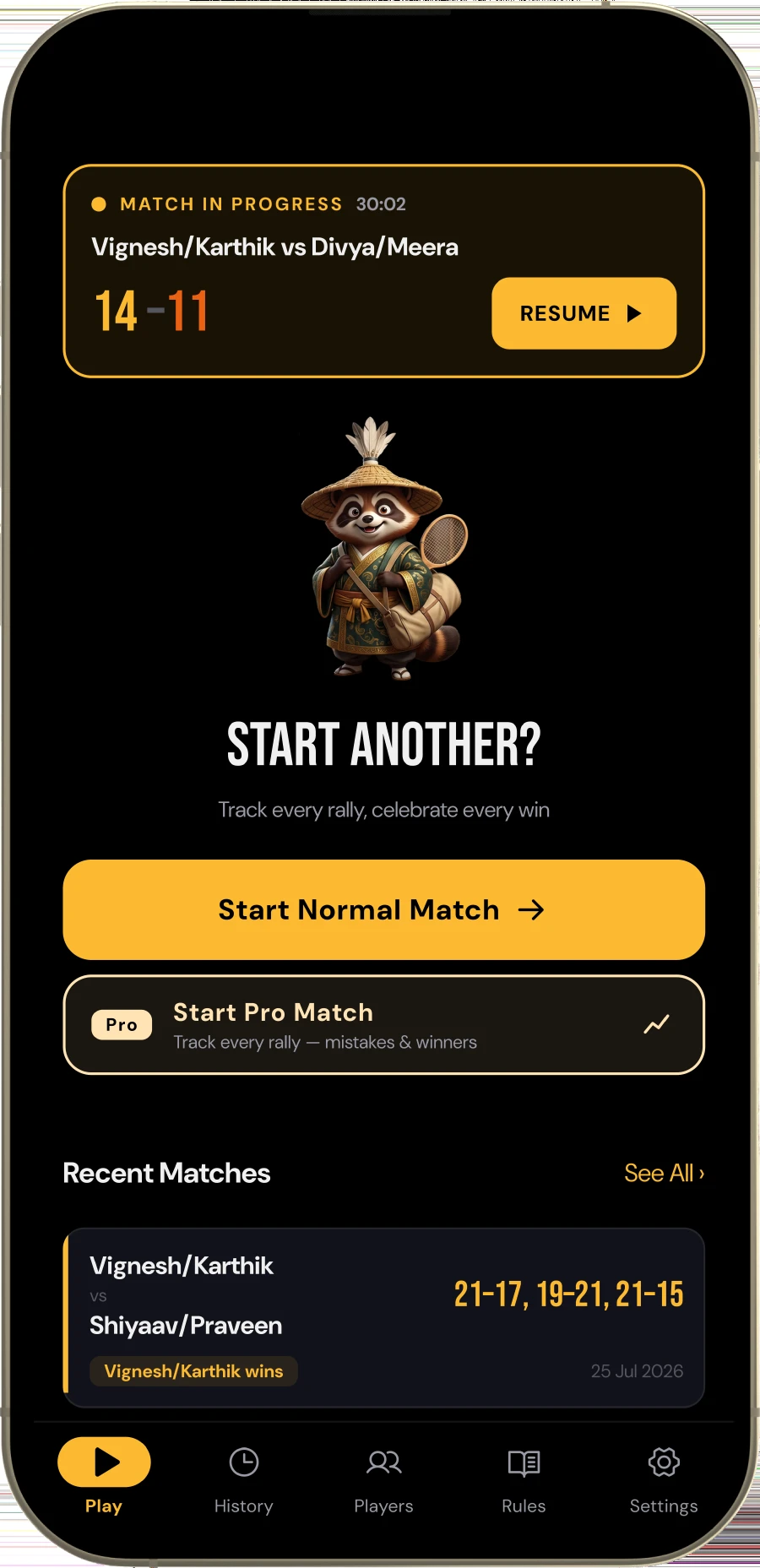
Home
Resume the match in progress, or start a new one. Nothing else competes.
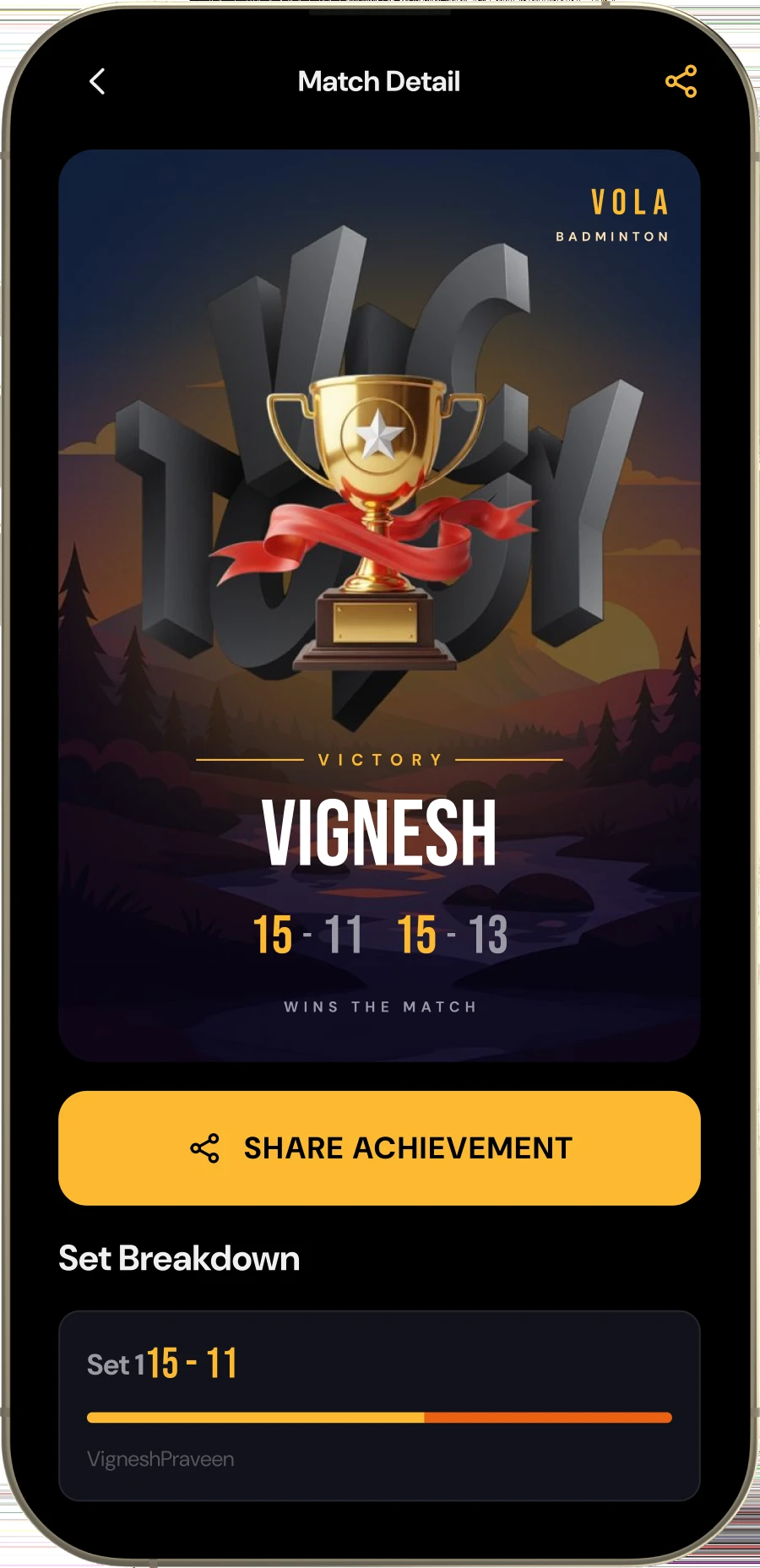
Match detail
The same card, reopened from the history weeks later, set breakdown still under it. Nothing about a finished match gets thrown away.
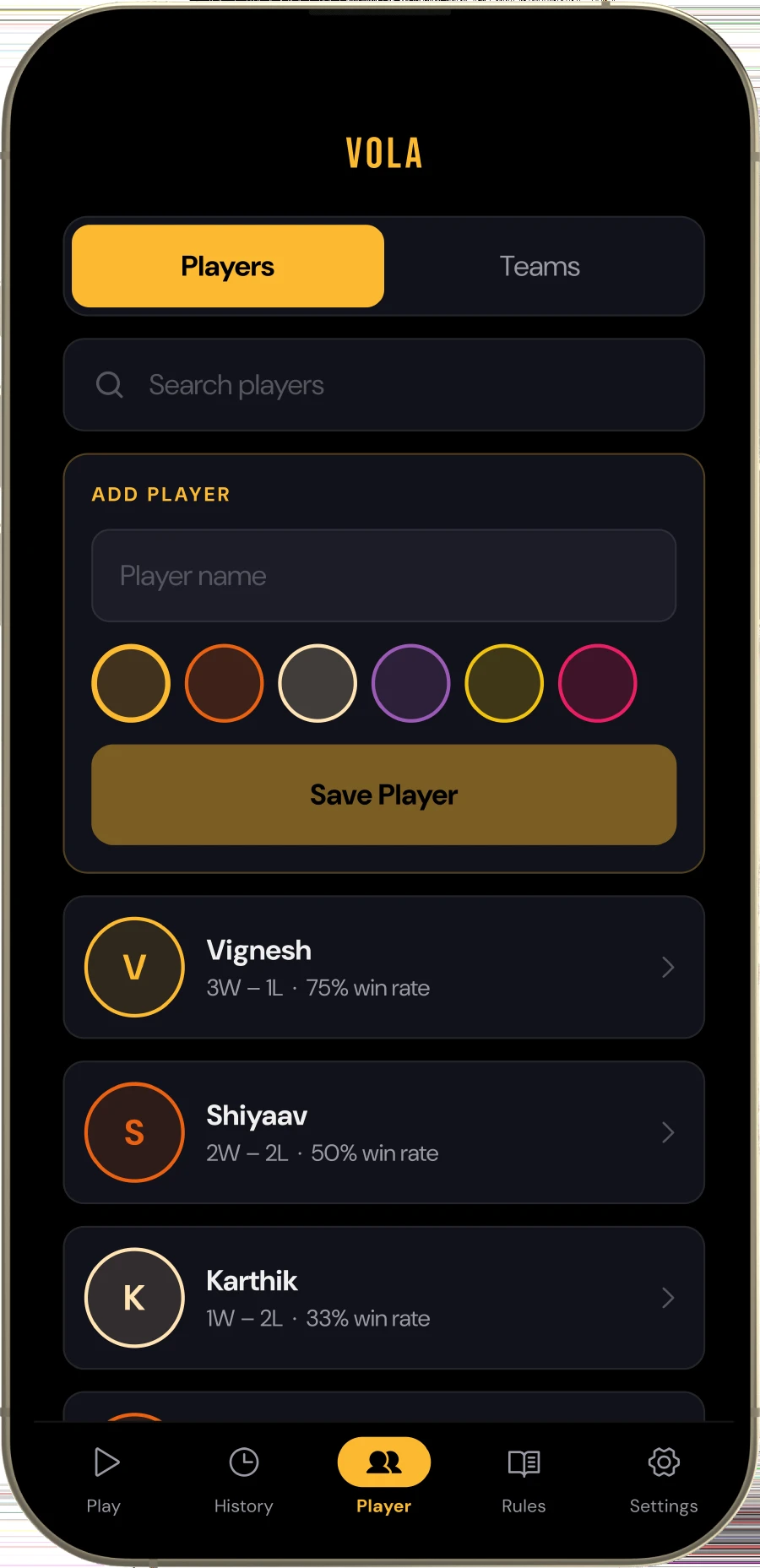
Players
Saved names, each carrying its own record, so setting up the regular Tuesday four takes seconds.
How it got built
Four months, evenings and weekends.
No team, no sprint, and no design system to lean on. This is the order the
work actually happened in, including the four weeks at the start that produced no app at
all.
01
Score it on paper first
Four weeks of keeping score by hand at the Tuesday session, writing down every moment the
paper version failed. Almost all of them were the serve, not the count.
02
Write the rules as tests
The scoring engine came before any screen did: 40 cases covering deuce, setting, the 30 cap
and service rotation in doubles. Design against a thing that already works and the screens
get much simpler.
03
Design for a hand holding a racquet
Everything reachable with a thumb, nothing smaller than a fingertip, and enough contrast to
read under sports-hall lighting from arm’s length.
04
Ship it to the group chat
A signed APK, handed to eight people who play every week. Four months of their complaints is
most of what the app now is.